Martindale-Avvo Leads Manager: How To Set Up Your Leads Manager Account
Welcome to the Leads Manager where you can find your dashboard, and so much more. You’ve taken the best step to support your legal practice and make the most of your online impact. Now, let’s set up your account. First, go to the dashboard.
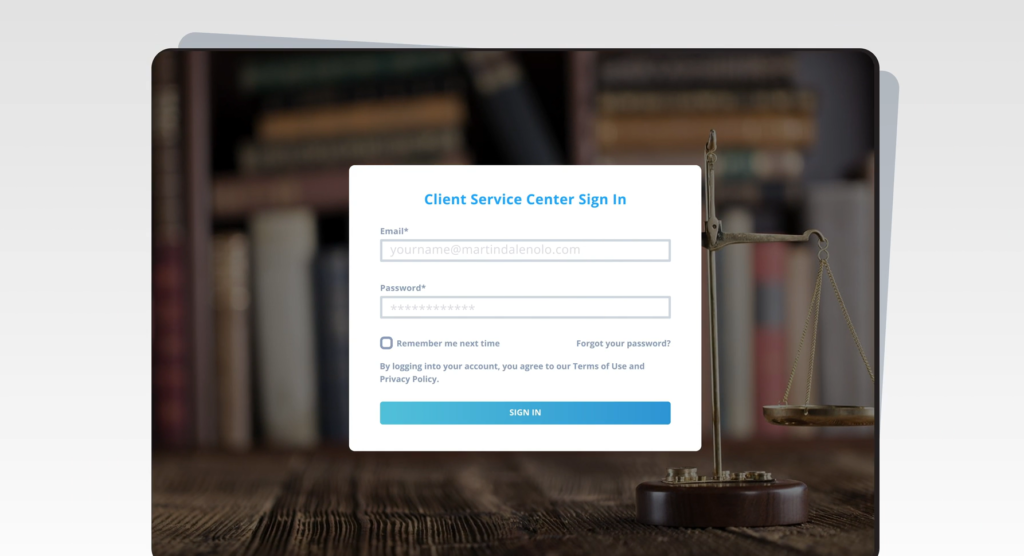
Sign-in page by typing portal dot martindale nolo.com into your internet browser. If the page isn’t loading, make sure you did not add www in front of the portal URL. Here you’ll input the email address affiliated with your account. That email address will function as your account username.
If you subscribe to multiple Martindale-Avvo services, be sure to input the email associated with receiving leads. If this is your first time accessing your account, we’ll also need to set up your password. To set your password, select the forgot password button.
Enter your account, email address, and the popup. Then hit reset password. You will find the reset link in your email. Your password must be at least 10 characters long. Include a number and a special character. Your password is case sensitive.
To avoid any confusion, be sure the caps lock button on your keyboard is toggled off before setting your password.
Once you’ve set your password, select the sign in button. When you first log in, you will be directed to your overall web stats.
To find your leads, scroll down the left hand navigation bar and select dashboard. This is your personalized dashboard where you can find everything you need to know about your leads, web traffic, and trends.

This is a good time to confirm that your dashboard is populating correctly. If you see that your information is incorrect, is affiliated with the wrong firm, or is not populating at all, please reach out to your account manager or our support staff.
One of the great features of your dashboard is its ability to customize your firm’s information. Select the profile button below your dashboard on the left-hand side of your screen.
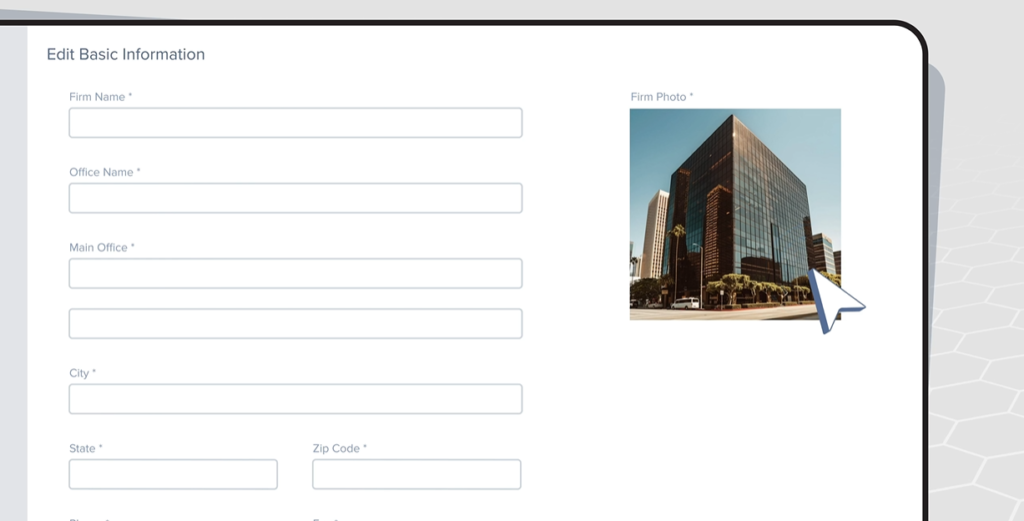
Here you can customize your firm’s profile. Your profile features five main sections about the firm, firm focus, firm philosophy about lawyers and videos.
Your about the firm section is the perfect place for your basic information, like firm name, office location, website, and firm summary. The firm focus section shows prospects which areas of law your firm specializes in. The firm philosophy features, key questions for you to fill in, giving potential clients better insights into your practice. Add your lawyer’s licensing and education information In the About lawyer section.
You can add as many lawyers as you need to by clicking the Add a Lawyer button. In the top right, the video section holds videos in Vimeo or YouTube formats. This is the perfect place for your client testimonials or promotional videos. Pro tip, we recommend adding images of your office and lawyers in your about sections. This adds a personal touch that prospects love. Thank you for taking the time to learn more about your portal. We are glad to have you here.